

Commercial Demos
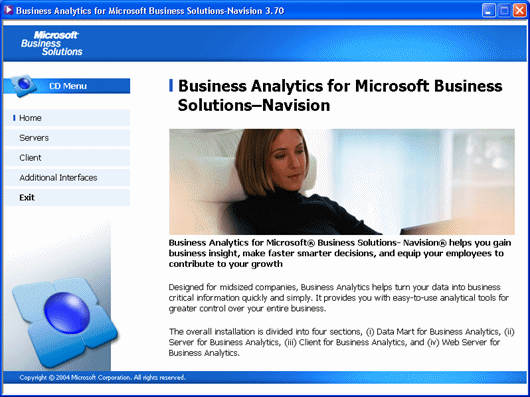
Business Analytics for MBS-Navision 3.70
- Author
- Microsoft Business Solutions
- Category
- Commercial Demos
- Date
- 05/05/2004
- Size
- 54,53 MB
- Downloads
-
2174
Detailed statistics
- Downloads today 0
- 30 day downloads 5
- Total downloads 2174
- Overall download rank #501 / 2084
- Today page views 0
- 30 days page views 0
- Total views 3901
- Rating
 Detailed statistics
- x 3 100,00%
- x 0 0%
- x 0 0%
- x 0 0%
- x 0 0%
- Popularity
- Downloaded 3 times in the last two weeks
When downloading and extracting Business Analytics, follow these guidelines:
· Download the Business Analytics for Navision 3.70.zip file containing Business Analytics software. Extract all the files in the installation folder where you want the installation files to be placed.
· Click on autorun.exe and go through the installation process.
More info can be found in the included document Installing_Business_Analytics.doc.
Important:
This download does not include license keys. Please contact your Microsoft Business Solutions partner/representative to obtain valid licenses.